01 - Foundation
- 9 lectures
- 1 hr 22 min 33 sec
- 001 - Promo00:01:21
- 002 - What Zbrush Actually Is00:08:45
- 003 - Navigation & Basic Ui00:04:31
- 004 - Ui Customization00:18:5
- 005 - Essential Brushes00:19:36
- 006 - Sculpting Modes00:07:47
- 007 - Gizmo & Transform Tools00:08:45
- 008 - Symmetry00:05:45
- 009 - Subtool00:07:58
02 - Essential Zbrush Tools
- 11 lectures
- 1 hr 52 min 59 sec
03 - Mini Projects - Chest Armor
- 3 lectures
- 0 hr 41 min 16 sec
04 - Mini Projects - Creature Bust
- 5 lectures
- 1 hr 53 min 47 sec
05 - Final Character
- 17 lectures
- 5 hr 34 min 51 sec
06 - Wrap up
- 1 lectures
- 0 hr 1 min 22 sec
Introduction to ZBrush: From Beginner
Learn ZBrush step by step through actual projects
30 Days money back guarantee.
$ 19 $ 20
About Me:
My name is Mahdi Khouei, and I have been a 3D character artist for a decade now. I have worked in VFX and the game industry, as well as 3D printing. Currently, I’m working as a freelance 3D character artist.
By the End Of This Course, You Will Be Able To:
Confidently use ZBrush and sculpt stylized characters from scratch, even if you are completely new to the software.
Understand the core sculpting tools, brushes, and workflows needed to start and finish a stylized character entirely inside ZBrush.
What You Will Learn:
-
Navigate the ZBrush interface with confidence
-
Understand essential ZBrush tools and sculpting brushes
-
Build clean stylized forms from simple blockouts
-
Develop primary, secondary, and tertiary shapes
-
Practice sculpting through guided mini projects
-
Sculpt a complete stylized character from start to finish
Course Project Overview:
In this course, you will learn how to use ZBrush as your main sculpting tool to create stylized characters from the ground up. The training is divided into 6 structured stages and 46 lessons, designed to gradually introduce tools and concepts without overwhelming beginners.
You will complete two mini projects to practice the fundamentals and reinforce key sculpting concepts. In the final project, you will sculpt a full stylized character, applying everything you’ve learned — from initial blockout to a finished sculpt.
By the end of the 11 hours and 22 minutes of instruction, you will have a clear understanding of the ZBrush workflow and the confidence to start your own stylized character projects independently.
Who Is This Course For?
This course is designed for beginners, junior artists, and hobbyists who want a structured and professional introduction to ZBrush.
It is ideal for artists who:
Are new to ZBrush and feel intimidated by the software
Want to learn stylized character sculpting step by step
Prefer a clear, no-rush learning pace without skipped steps
No prior ZBrush experience is required.
Who Is Not The Ideal Student For This Course?
This course is not intended for advanced ZBrush users who are already comfortable sculpting complete characters and are looking for highly specialized or production-level techniques.
What Are The Requirements Or Prerequisites For Taking This Course?
A basic understanding of 3D concepts is helpful but not required
ZBrush installed (no specific version required)
Motivation to practice and follow along with the projects
No additional software is needed.
Join Us Now:
Start your journey with ZBrush and learn how to sculpt stylized characters with confidence. Build strong foundations, understand the tools properly, and complete your first full character sculpt using a clear and professional workflow.

Mahdi Khouei
Frequently bought Together
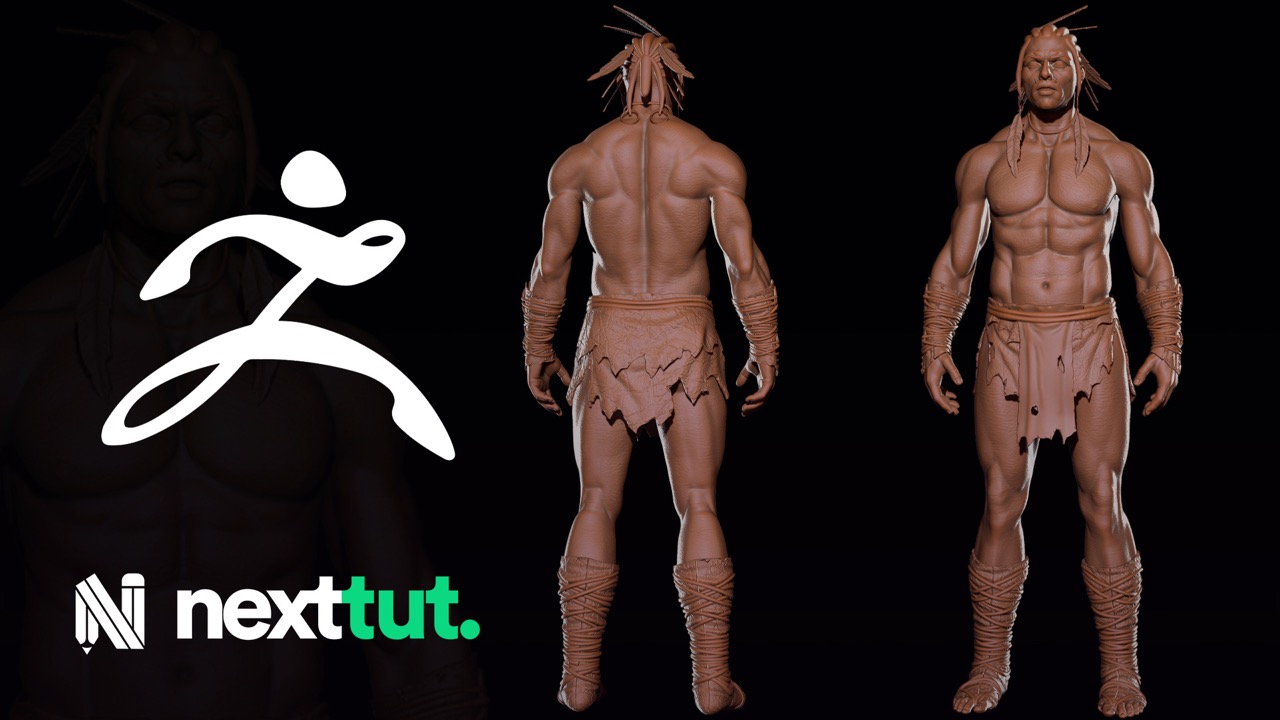
Character Sculpting for Games with ZBrush: From Intermediate
$ 19 $ 20
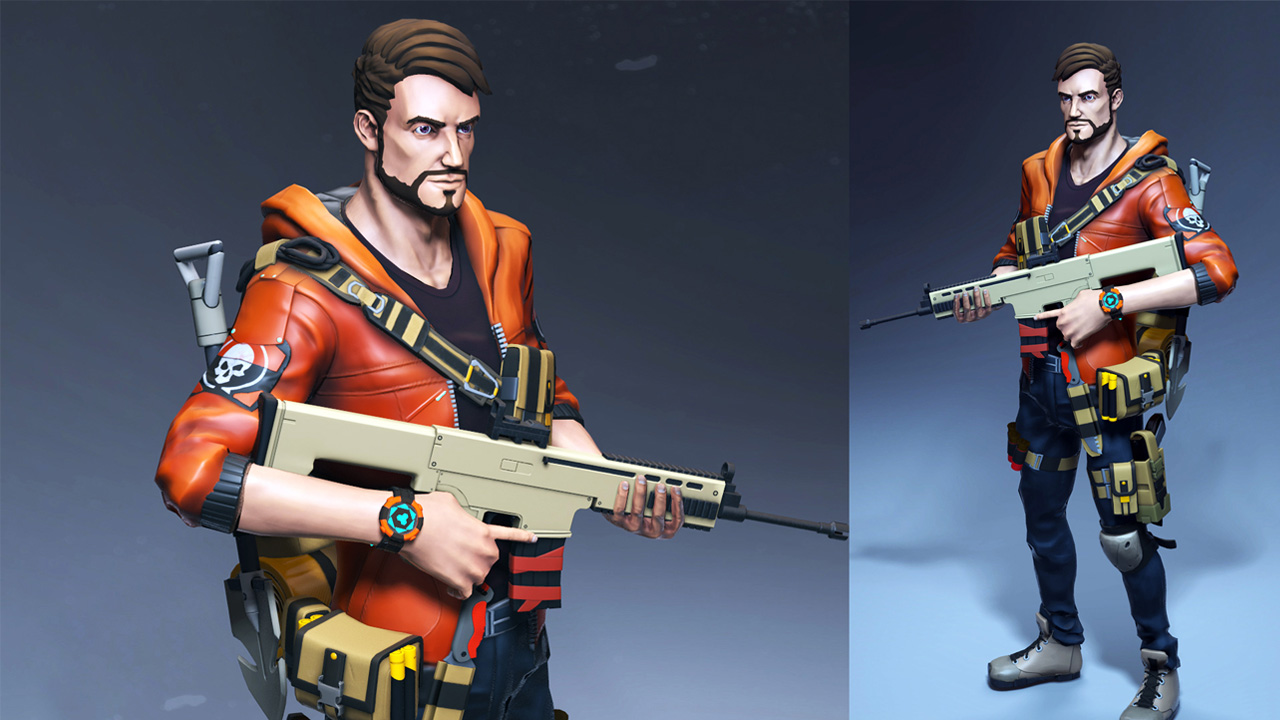
Beginner's Guide to Stylized Character Creation for Games: From Beginner
$ 19 $ 20
Total: $ 38


You may also like
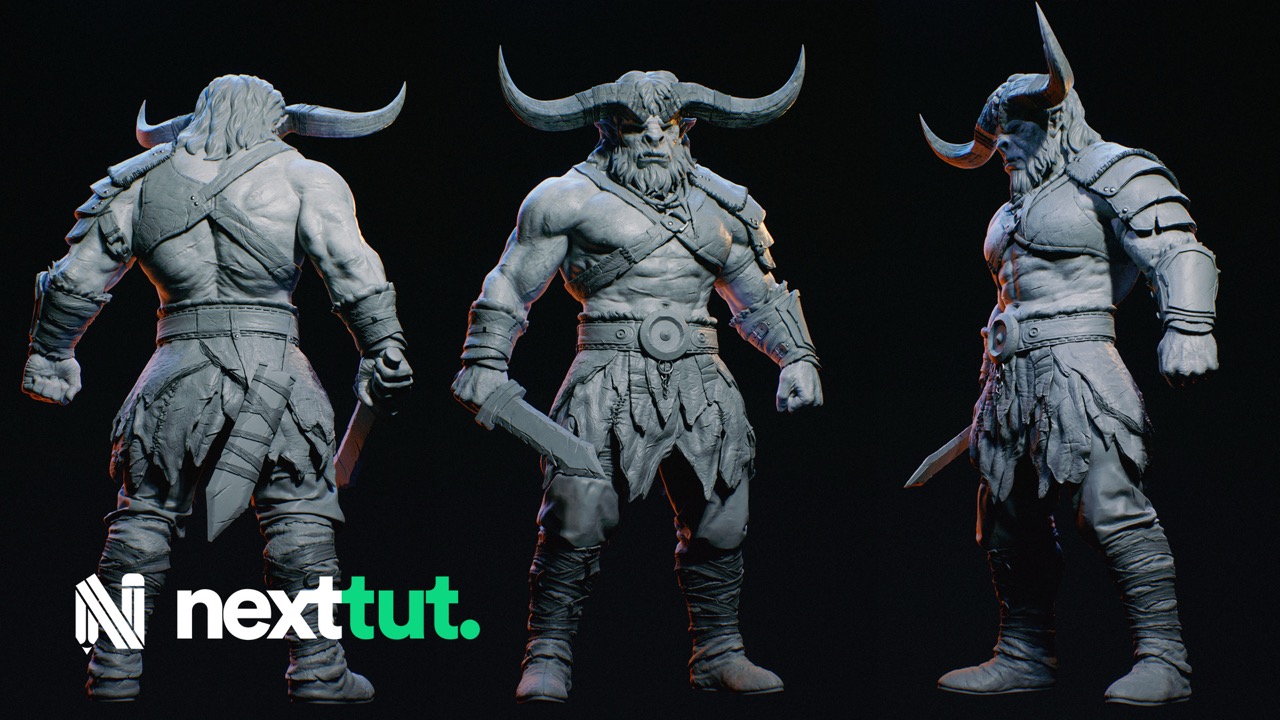 Mahdi Khouei
Zbrush Advance Creature Sculpting for Production
Sculpt highly detailed and believable creature anatomy in ZBrush.
- Sculpting Detailed Creature
- Sculpting Detailed Metal Armor
- Sculpting Leather Details